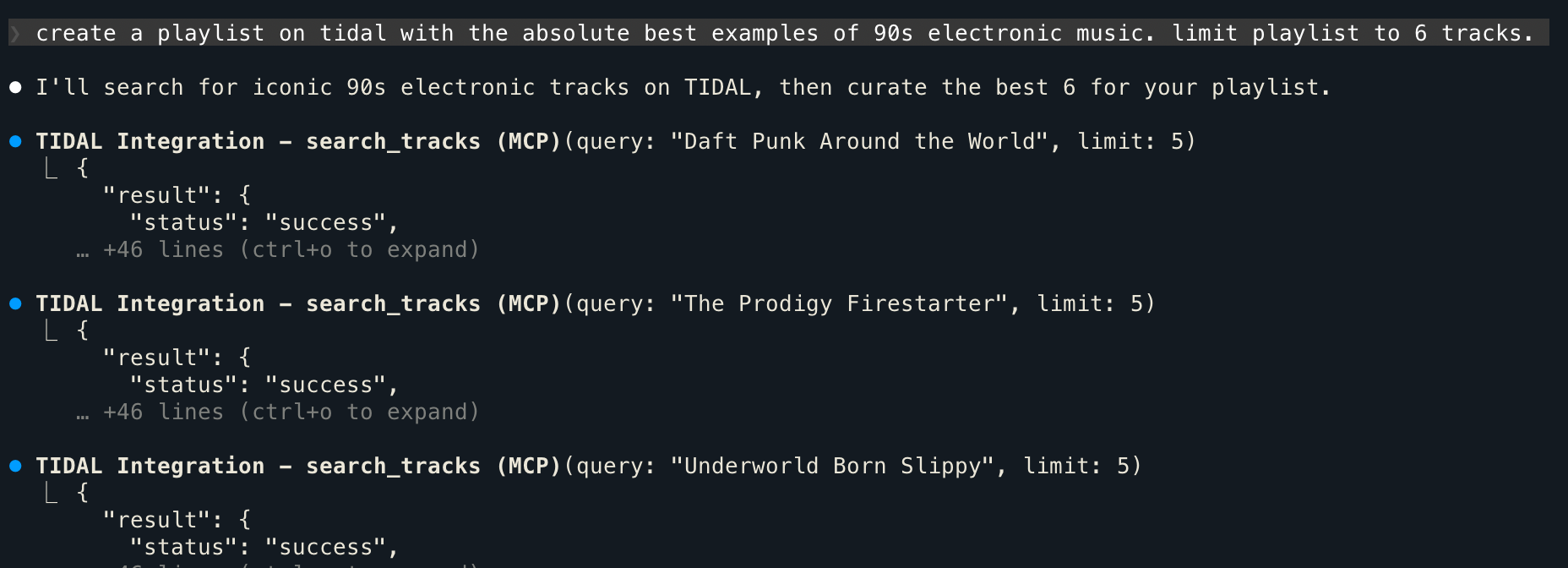
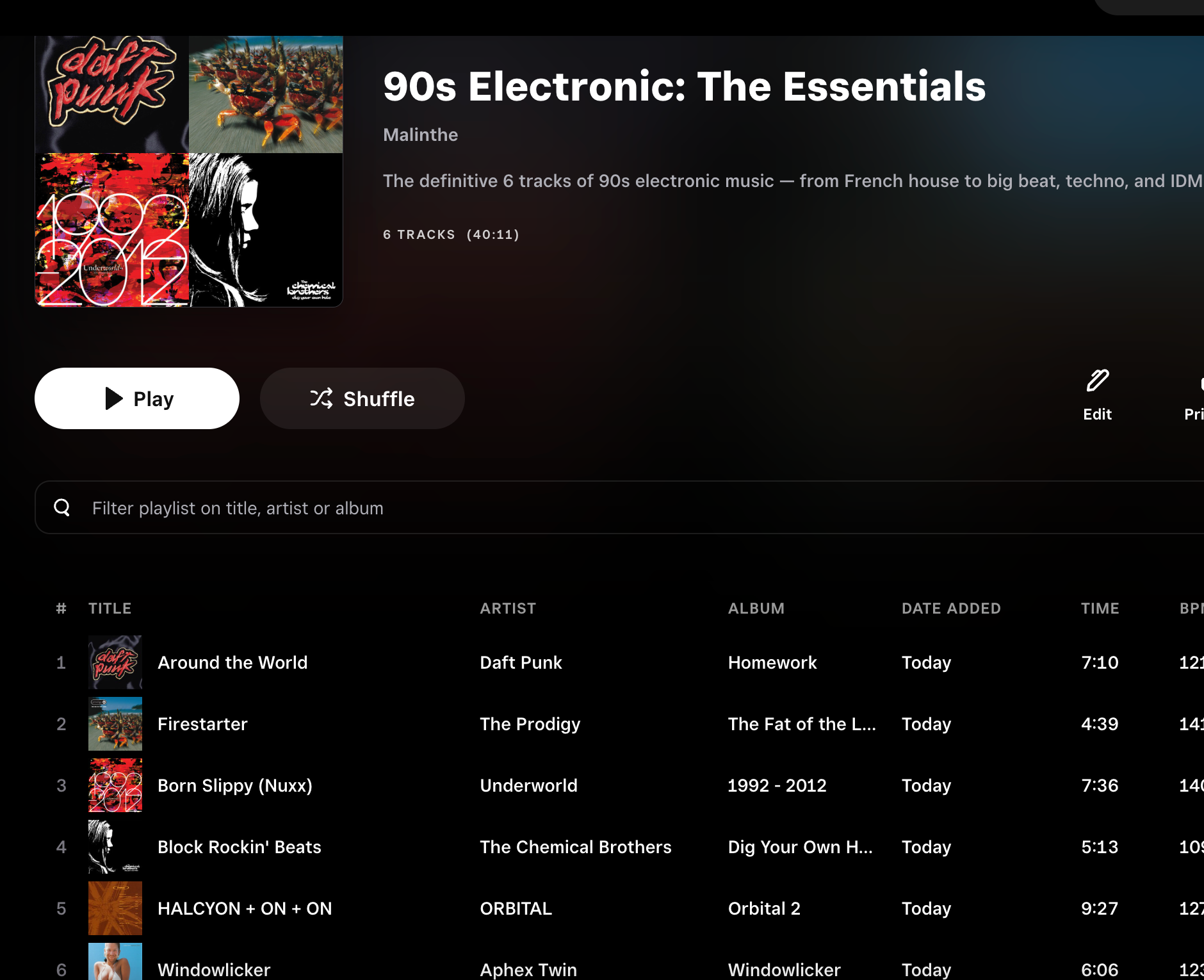
I recently switched from Apple Music to TIDAL. I liked Apple Music thanks to its affordable pricing, lossless audio and the vast library, but I wasn’t a fan of its Windows application. It didn’t support exclusive mode, was slow, and sometimes it had this annoying habit of pausing music at 15 seconds which appears to be a known bug that they never bothered to fix.
TIDAL has been a lovely experience so far. I do wish my receiver supported TIDAL Connect, but their app supports exclusive mode on Windows and you have many options like playback through UPnP.
One thing I liked with Apple Music was that ChatGPT had a direct integration with Apple Music. So creating playlists, for example, was a pretty easy thing to do. No such support for TIDAL (that I could see), but thanks to the power of MCP this is not a problem.
I wanted to do this today after stumbling upon a Reddit thread about modern country music. There were a lot of recommendations and I just wanted to get an idea of what this landscape is like.
After getting Claude to extract the recommendations from the Reddit post, I wanted to create the playlist.
My tool of choice for this was https://github.com/ibeal/tidal-mcp – an actively maintained fork
Here’s what I did:
Clone the repo and set it up locally. You can use Docker too, but I went the local python installation route.
git clone https://github.com/ibeal/tidal-mcp.git
cd tidal-mcp

uv venv
source .venv/bin/activate

uv pip install --editable .
Then you need to configure your preferred client.
The GitHub page instructions sets it up with the Claude desktop application, but I wanted to do it on Claude Code.
For this, I opened up the default config file at ~/.claude.json and added the following to its mcpServers section. Make sure you use the correct paths, of course.
"TIDAL Integration": {
  "type": "stdio",
  "command": "/Users/me/tidal-mcp/.venv/bin/python3",
  "env": {
    "TIDAL_MCP_PORT": "5100"
  },
  "args": [
    "/Users/me/tidal-mcp/start_mcp.py"
  ]
}
That’s pretty much it. Then I opened up Claude Code and asked it to login to TIDAL
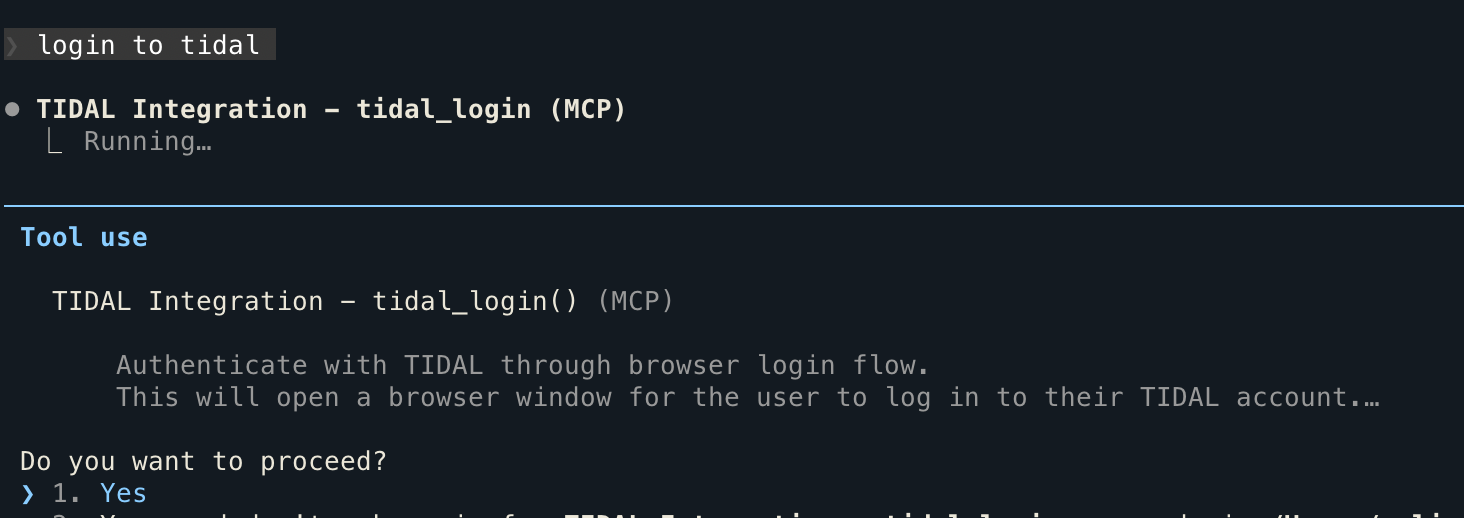
This will prompt you to… login with TIDAL. Wild, I know.
After this you can just ask your AI overlord to do whatever you want, really.
For example, like I said in the beginning, you can ask it to create a playlist with songs you specify, like so:
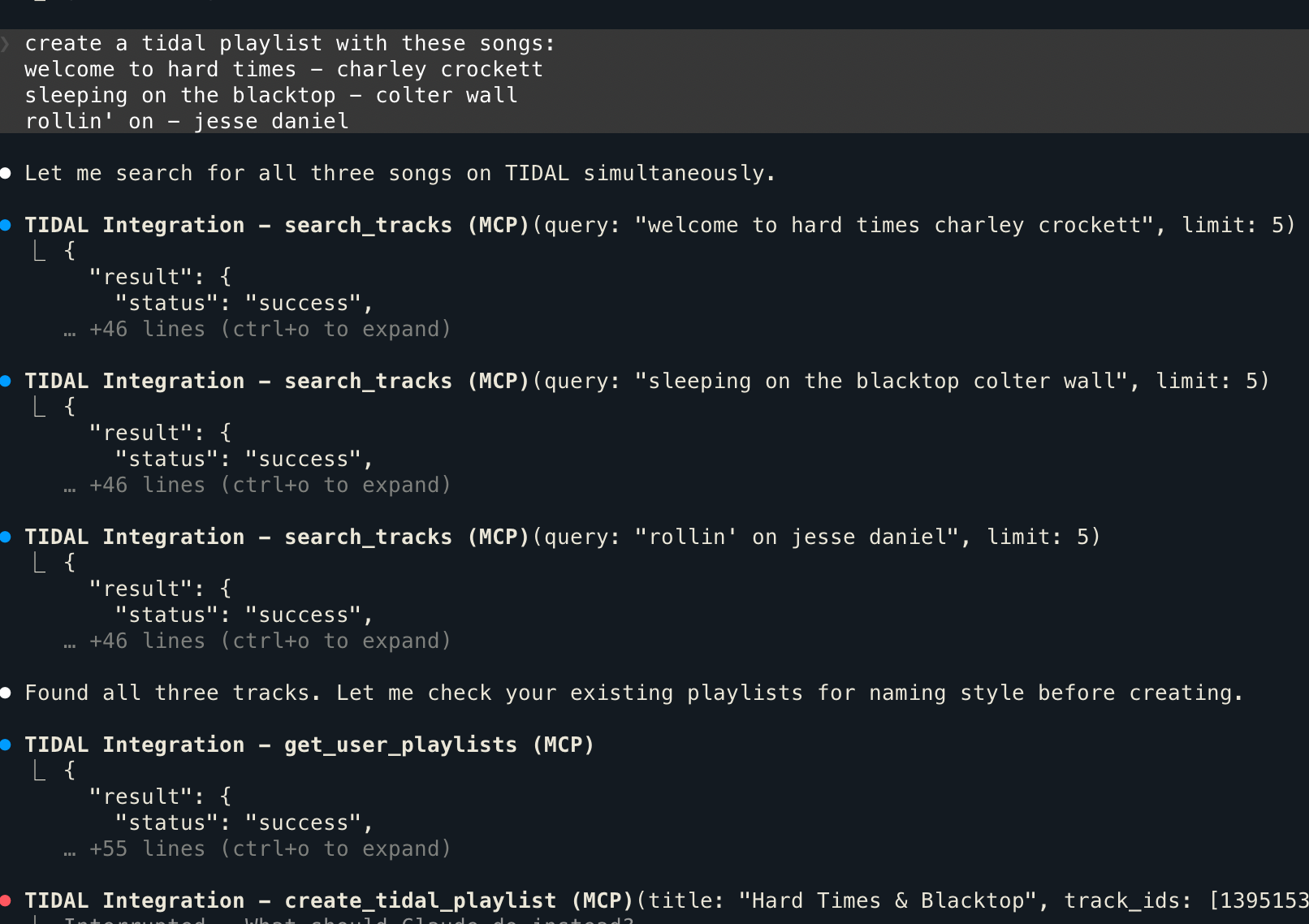
…and BAM! The playlist is created. No more manually rifling through songs and clicking and dragging them to playlists.
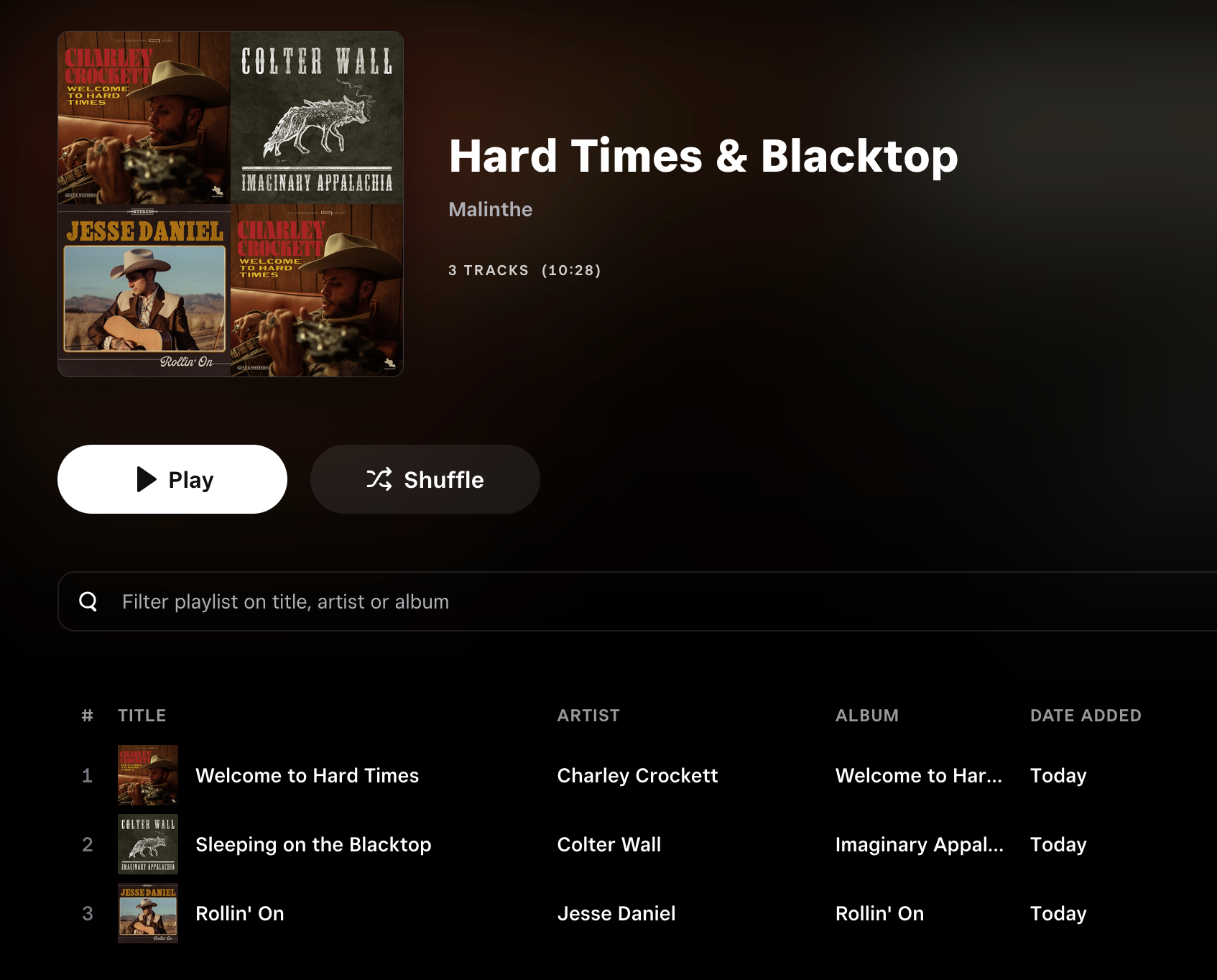
The search was accurate but I imagine it’d struggle with more obscure songs. Claude is smart enough to report when songs are missing and even once found a live version instead.
You can ask for something based on pure vibes too: